Introduction
Family Historian V6 introduced Fact WitnessesA Witness is somebody who played an important role in an event (or rarely, attribute) but were not a Principal, e.g. they could have been a bridesmaid at a wedding, rather than one of the individuals getting married., in recognition that there were often more people than just the Principal(s)The Principal (for Individual Facts) is the person to whom the fact applies — the person who was born, had the occupation, emigrated etc. Family Facts have two Principals — the people who married, got divorced etc. involved in a Fact. Some examples:
Fact |
Principals |
Possible Witnesses |
| Birth | Individual who was born | Parents |
| Marriage | Individuals who married | Bridesmaid, Best man, Witnesses who signed the register, Minister who carried out the ceremony |
| Grant of Probate | Individual who made the will | Executors, Beneficiaries |
If Witnesses have been added to a Fact, you will see the Witness icon  against the Fact in the FactsFacts are one of the key concepts at the heart of Family Historian; they are how you record the things that happened to, or described, each ancestor (Individual). tab of the Individual’s Property BoxThe Property Box is the primary window for data entry and for viewing details of stored records. It is used with records of all types. , in the More column.
To add or edit Witnesses for any Fact, right-click anywhere in the Fact row and you will be offered a menu that includes Witnesses… as an option, to open the Witnesses Dialog.
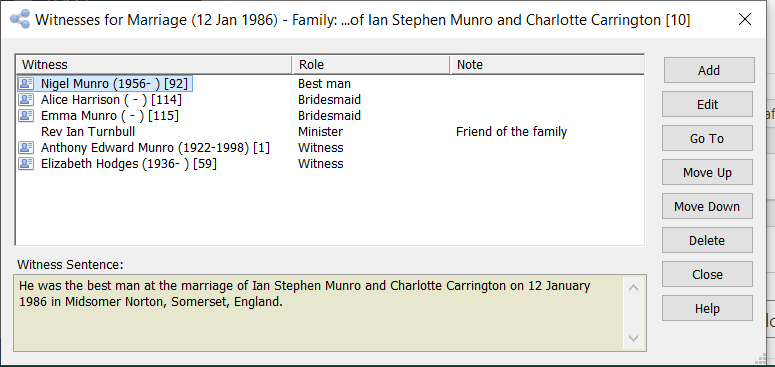
Follow the instructions in the Help File at Witnesses Dialog to add, edit or delete Witnesses for the selected Fact.
You can also add new Role Types for a Fact Type during this process. However, it is better to do this (especially if you use Narrative Sentences) using Tools > Fact Types, selecting the Fact Type in question and clicking the Edit… button, because this enables you to modify the Witness Sentence Template for the Fact. Once again, see Witnesses Dialog for more information.
Important note: Witness Roles may be created by Ancestral SourcesAncestral Sources is a utility written by Nick Walker, designed to be used in conjunction with Family Historian to allow faster, more convenient creation of Census, Birth, Baptism, Marriage, Death and Burial/Cremation records. , or imported from other genealogy products. If this happens, you should check that the relevant Fact Type includes provision for the new Witness Roles in the Sentence Template for the Fact, and the Sentence Template for each of the Witness Roles. If you do not, you will get unexpected content in the Facts Tab and in reports.
Version 8: Relationships Beyond the Family
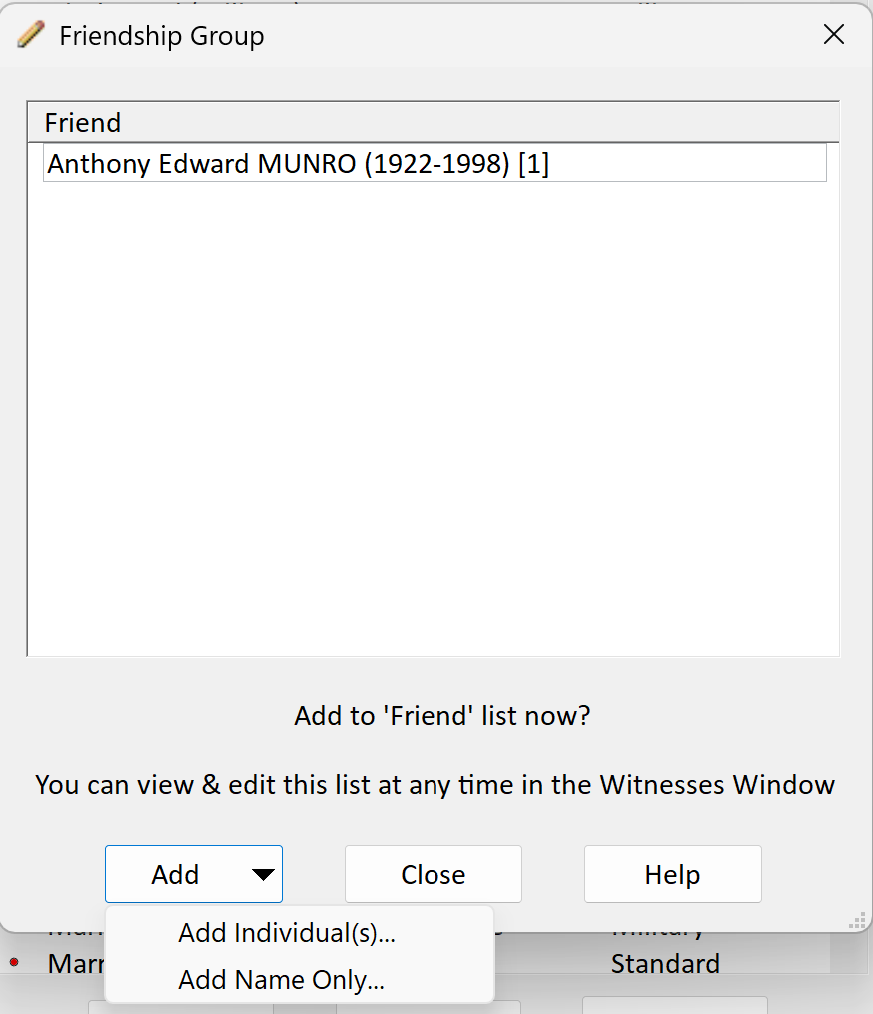
Version 8 also adds a Witness queryQuerying is a very powerful feature that allows you to specify and save criteria for identifying a set of records of a given record type. type, one row per person per role, which is the easiest way to list every bridesmaid, godparent or beneficiary in a projectA Project is a Windows folder, created by Family Historian, which contains all your Family Tree information recorded in Family Historian. Normally located in the Documents\Family Historian Projects folder.; see An Overview of Queries in Version 8.