Skip to content

Family Historian User Group – Knowledge Base

  • Knowledge Base
  • Videos
  • Downloads/Plugins
    • Downloads
    • Plugin Store
  • Links
    • Services & Utilities
    • Member Websites
  • Help
  • FHUG Forums
  • FHUG Home
  • Contribute
    • Knowledge Base Improvements
    • Add/Update a Video
    • Add/Update a Download
    • Add/Update a Service or Utility
    • Add/Update a Member Website
    • Request an Editor’s Account
    • Login to edit
    • How to Add Content to the Knowledge Base
  • Donate

Add People Using a Diagram

9455  
  • Skill Level: New User
  • FH versions: V5, V6, and V7
  • In Topics: Diagram Tips Entering and Editing Data Family Relationships Sources and Citations 
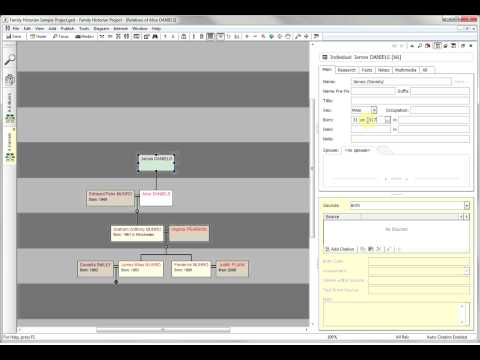
Family Historian : Adding People on a Diagram

Using Family Historians diagram editing feature to add new people into your database.

Last update: 22 Feb 2024

Related Content

  1. Create an export GEDCOM based on a diagram
  2. How to Display How Two People are Related
  3. Delete Data for Living People
  4. Showing Pictures on a Diagram
Donate to support FHUG
Copyright © 2020-2024 Family Historian User Group | Privacy Policy
Except where otherwise noted, content on this Knowledge Base is licensed under the following license: CC Attribution-Noncommercial-Share Alike 4.0 International
External content is subject to the individual author's licence.